-
×
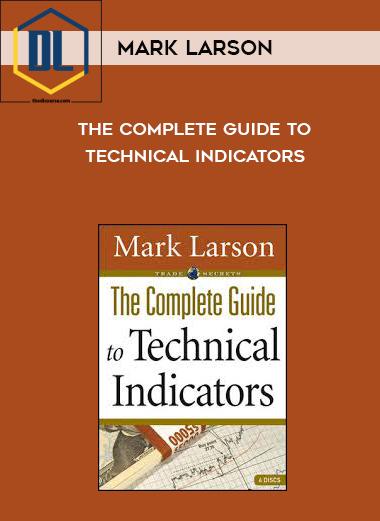 Mark Larson – The Complete Guide to Technical Indicators
1 × $39.00
Mark Larson – The Complete Guide to Technical Indicators
1 × $39.00 -
×
 Astra Gallery – The Art of Generating AI Content
1 × $20.00
Astra Gallery – The Art of Generating AI Content
1 × $20.00 -
×
 All Products Special (Business Explained)
1 × $87.00
All Products Special (Business Explained)
1 × $87.00 -
×
 Complete 32+ Hour Video Training Course 2008
1 × $25.00
Complete 32+ Hour Video Training Course 2008
1 × $25.00 -
×
 Regan Hillyer – 7 Days To A Kick Ass New You
1 × $122.00
Regan Hillyer – 7 Days To A Kick Ass New You
1 × $122.00 -
×
 Kelly Howell – Brain Sync – Grace and Gratitude
1 × $19.90
Kelly Howell – Brain Sync – Grace and Gratitude
1 × $19.90 -
×
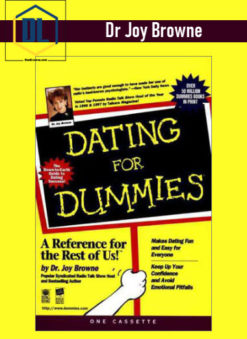 Dr Joy Browne – Dating For Dummies
1 × $9.00
Dr Joy Browne – Dating For Dummies
1 × $9.00 -
×
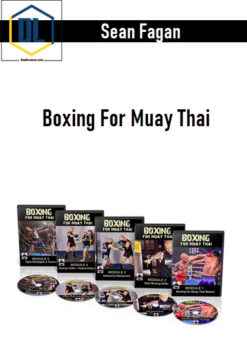 Sean Fagan – Boxing For Muay Thai
1 × $13.00
Sean Fagan – Boxing For Muay Thai
1 × $13.00

-93%
Buy With Coupon: DLC25 (-25%)
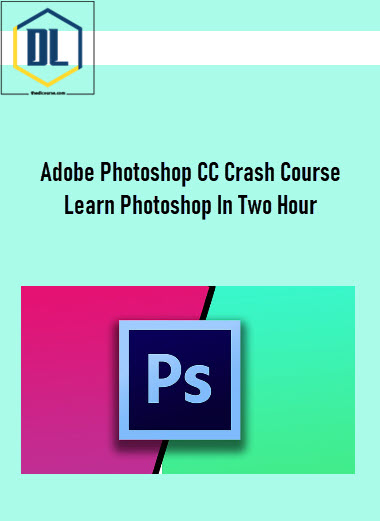
Adobe Photoshop CC Crash Course: Learn Photoshop In Two Hours
Original price was: $99.00.$7.00Current price is: $7.00.
✔️Video Course
✔️Subtitles
✔️Resources
Deliver Within 24 Hours
Description
Adobe Photoshop CC Crash Course: Learn Photoshop In Two Hours
Learn Photoshop Color Adjustment, Content Aware, Crop, Text Style, Shadow, Selection, Masking, Blur, Filter, Retouching
What you’ll learn in Adobe Photoshop CC Crash Course
- Essential Photoshop
- Color Adjustment
- Blur & Filter
- Text Style
- Content Aware & Cropping
- Selection & Masking
- Retouching
Requirements
- Be able to run Adobe Photoshop
Description
Hi There, I am Stephen Koel Soren and I am a Graphics and Web Expert. This is a crash course for Adobe Photoshop and You will learn only the essential part that is really required for design in Photoshop within hour.
You will learn from this course:
- Color and Adjustment
- Content-Aware & Cropping
- Text Style
- Shadow
- Selection & Masking
- Blur & Filters
- Retouch
- and many more.
Adobe Photoshop CC Crash Course is especially designed for beginner those who want to learn photoshop basic and essential part within a short time. You will have class projects in this course so you can apply your skill you have learned from lessons in class project. I have given an exercise file along with this course so you can practice along with me during learning period.
Who this course is for
- Photoshop Beginner
Read more about: Adobe Photoshop
Delivery Policy
When will I receive my course?
You will receive a link to download your course immediately or within 1 to 21 days. It depends on the product you buy, so please read the short description of the product carefully before making a purchase.
How is my course delivered?
We share courses through Google Drive, so once your order is complete, you'll receive an invitation to view the course in your email.
To avoid any delay in delivery, please provide a Google mail and enter your email address correctly in the Checkout Page.
In case you submit a wrong email address, please contact us to resend the course to the correct email.
How do I check status of my order?
Please log in to TheDLCourse account then go to Order Page. You will find all your orders includes number, date, status and total price.
If the status is Processing: Your course is being uploaded. Please be patient and wait for us to complete your order. If your order has multiple courses and one of them has not been updated with the download link, the status of the order is also Processing.
If the status is Completed: Your course is ready for immediate download. Click "VIEW" to view details and download the course.
Where can I find my course?
Once your order is complete, a link to download the course will automatically be sent to your email.
You can also get the download link by logging into your TheDLCourse account then going to Downloads Page.
Related products
-62%
Original price was: $50.00.$19.00Current price is: $19.00.
-30%
Original price was: $20.00.$14.00Current price is: $14.00.
-86%
Original price was: $97.00.$14.00Current price is: $14.00.
-94%
Original price was: $297.00.$17.00Current price is: $17.00.
-68%

Original price was: $47.00.$15.00Current price is: $15.00.
-89%

Original price was: $84.99.$9.00Current price is: $9.00.
-98%

Original price was: $497.00.$9.00Current price is: $9.00.
-99%
Original price was: $1,597.00.$9.00Current price is: $9.00.